Choosing a Touch Screen by Application
September 2026
Match the Touch Screen to the Operator Task
Resistive touchscreens are used across applications ranging from equipment setup and parameter entry to repeated production input, portable controls and maintenance interfaces. The right choice depends not only on screen size, but on how the operator will interact with the interface, how often it will be used and the conditions surrounding the application.
Different operator tasks place different demands on the touchscreen. NKK’s FT 4-wire, FT 5-wire, TP02 and ZE families each offer a different combination of touch behavior, operating life and application fit, helping engineers narrow the selection based on the requirements of the interface.
Start with how the operator will use the interface
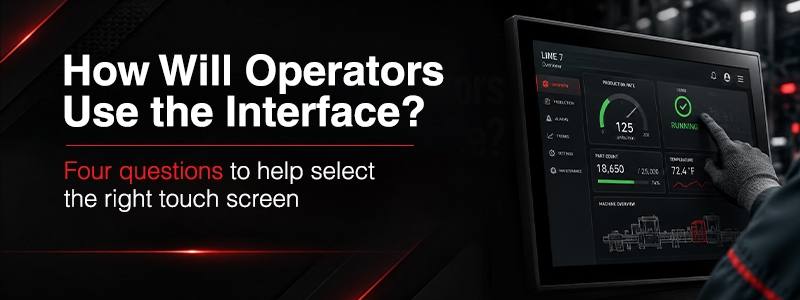
Screen size is only part of the touch screen selection. Interaction frequency, activation force, and whether the HMI requires one or two touch points can help determine the best fit.
The wrong touch screen can create unnecessary wear, poor operator interaction or functionality the HMI does not actually need.
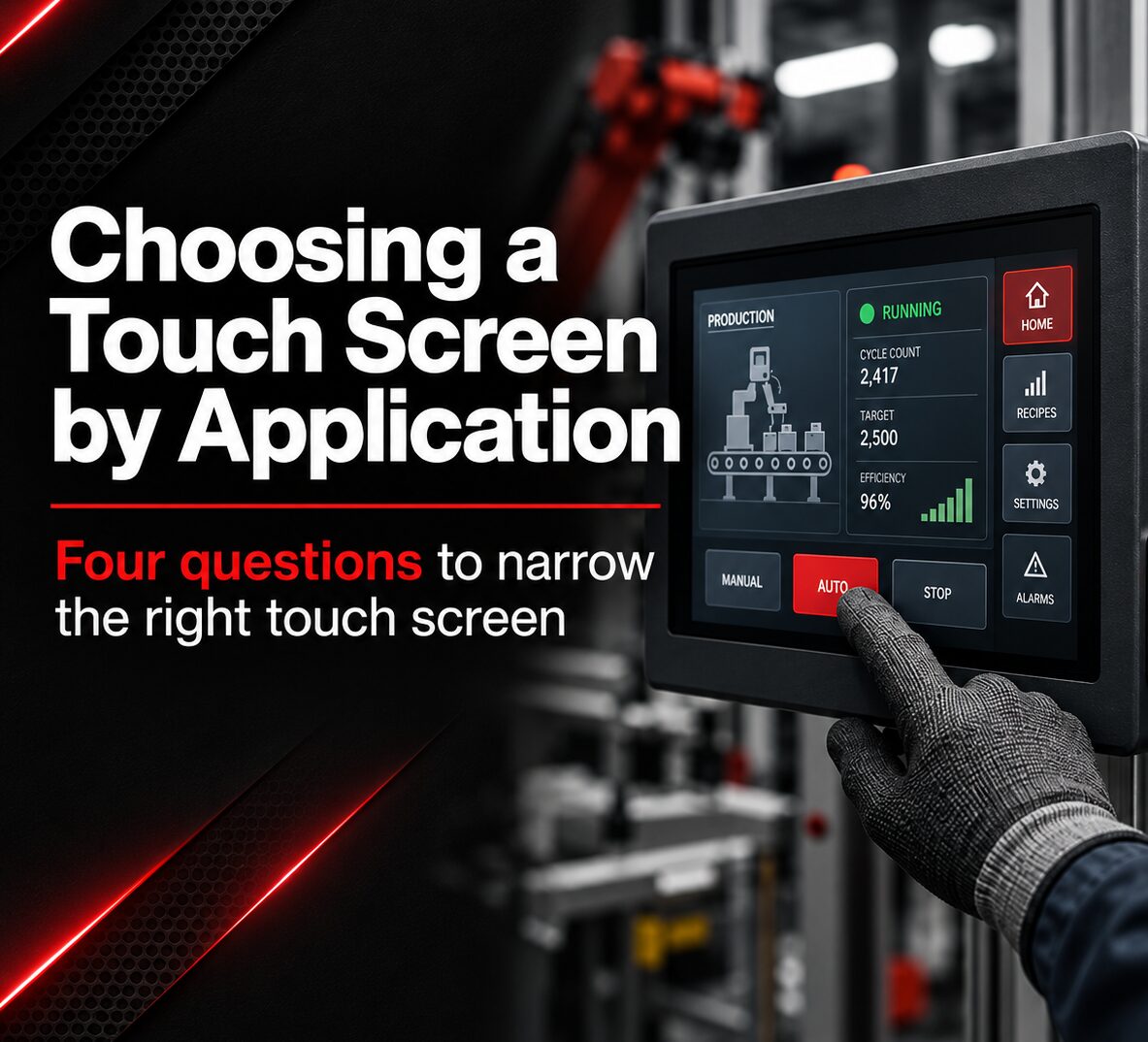
The right choice depends on what the operator actually needs the interface to do. Begin with these four questions.
Why the FT Series 4-Wire Touch Screen fits
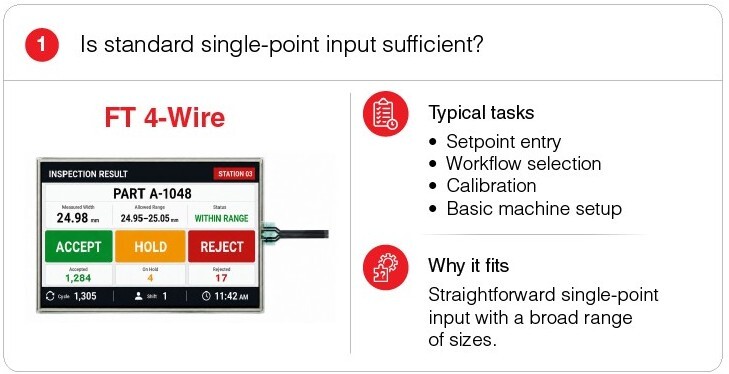
Choose the FT 4-Wire touch screen when the interface requires conventional single-point input for tasks such as setpoint entry, recipe selection, operating mode changes or calibration. The FT Series 4-Wire touch screen supports finger or stylus input and is available with print or FPC tails to accommodate different connector and tail configurations. USB and RS232C controller boards are available for system integration.
Why the FT Series 5-Wire Touch Screen fits
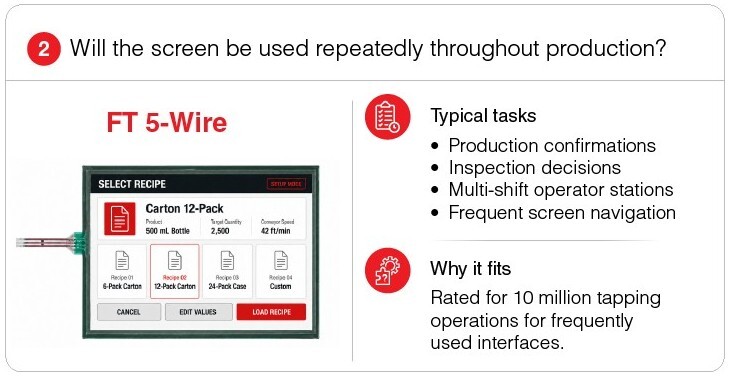
Choose the FT Series 5-Wire touch screen when the interface will be used repeatedly throughout production, including production confirmations, inspection decisions and operator stations running across multiple shifts. It is rated for 10 million tapping operations and is available in 10.4, 12.1 and 15 inch sizes with finger or stylus input.
Why the TP02 Series Touch Screen fits
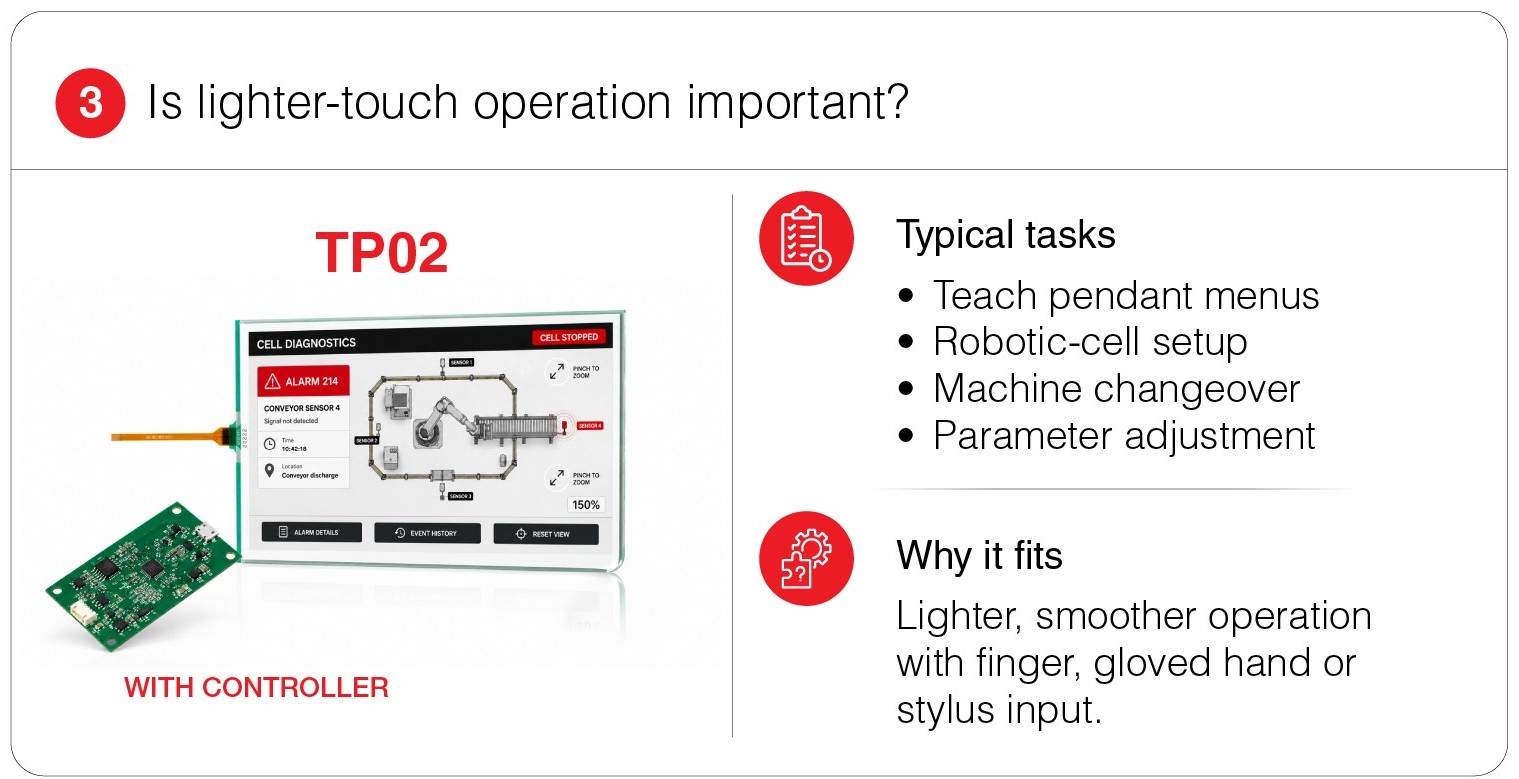
Choose the TP02 Series touch screens when lighter activation is important for tasks such as teach pendant menus, robotic cell setup, machine changeover or parameter adjustment. It responds to low input pressure and rapid successive input, supports finger, gloved hand or stylus operation, and is rated for 10 million tapping operations. An FPC metal tail provides contact at the connector.
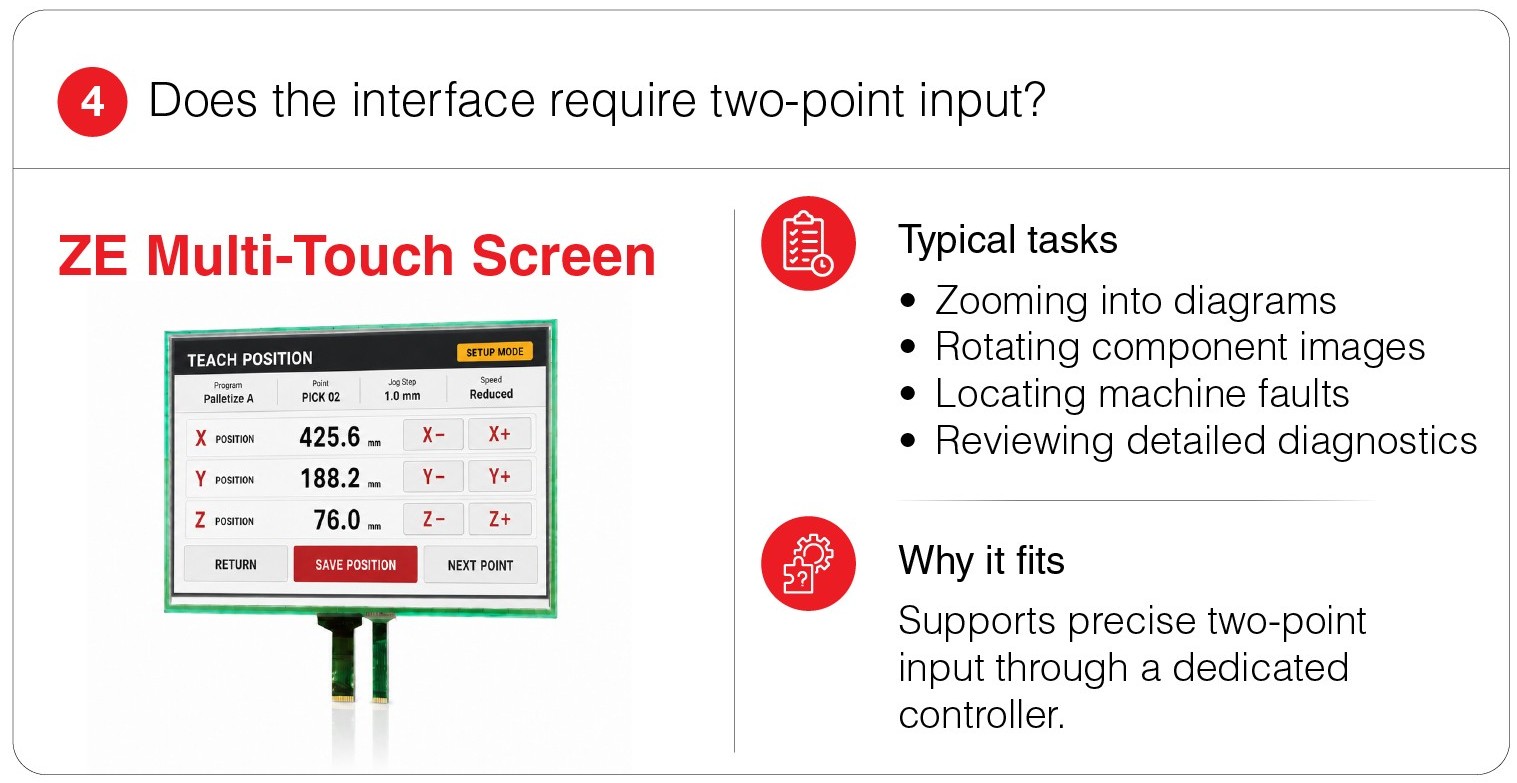
Why the ZE Series Touch Screen fits
Choose the ZE Series when the interface requires precise two-point input for tasks such as zooming into diagrams, rotating component images or reviewing detailed diagnostics. Its dedicated controller detects input across a fine-cell pattern to support two-point operation while retaining light-touch resistive input. It supports finger, gloved hand or stylus operation and is available in 7.0, 10.1 and 15.6 inch wide formats.
 | Support Beyond Series Selection From Custom Sizing to System Integration. NKK can support application-specific touch screen requirements with custom sizes, tail and connector options, controller solutions and input configurations. The result is a touch interface selected and configured around the mechanical and operator requirements of the HMI. |