
SmartDisplay™ – Four Design Patterns
August 2026
One Platform. Dynamic Interfaces. Endless Possibilities
Modern machines require operator interfaces to communicate more than a single fixed function. Status, diagnostics, changing conditions and operator guidance must often fit within limited panel space without adding unnecessary interface complexity.
This post explores four ways SmartDisplay™ can combine programmable graphics with tactile control, from adding intelligence to a single switch and managing a subsystem to building an operator panel or distributing information across the machine.
Does that information reach the operator at the right time?
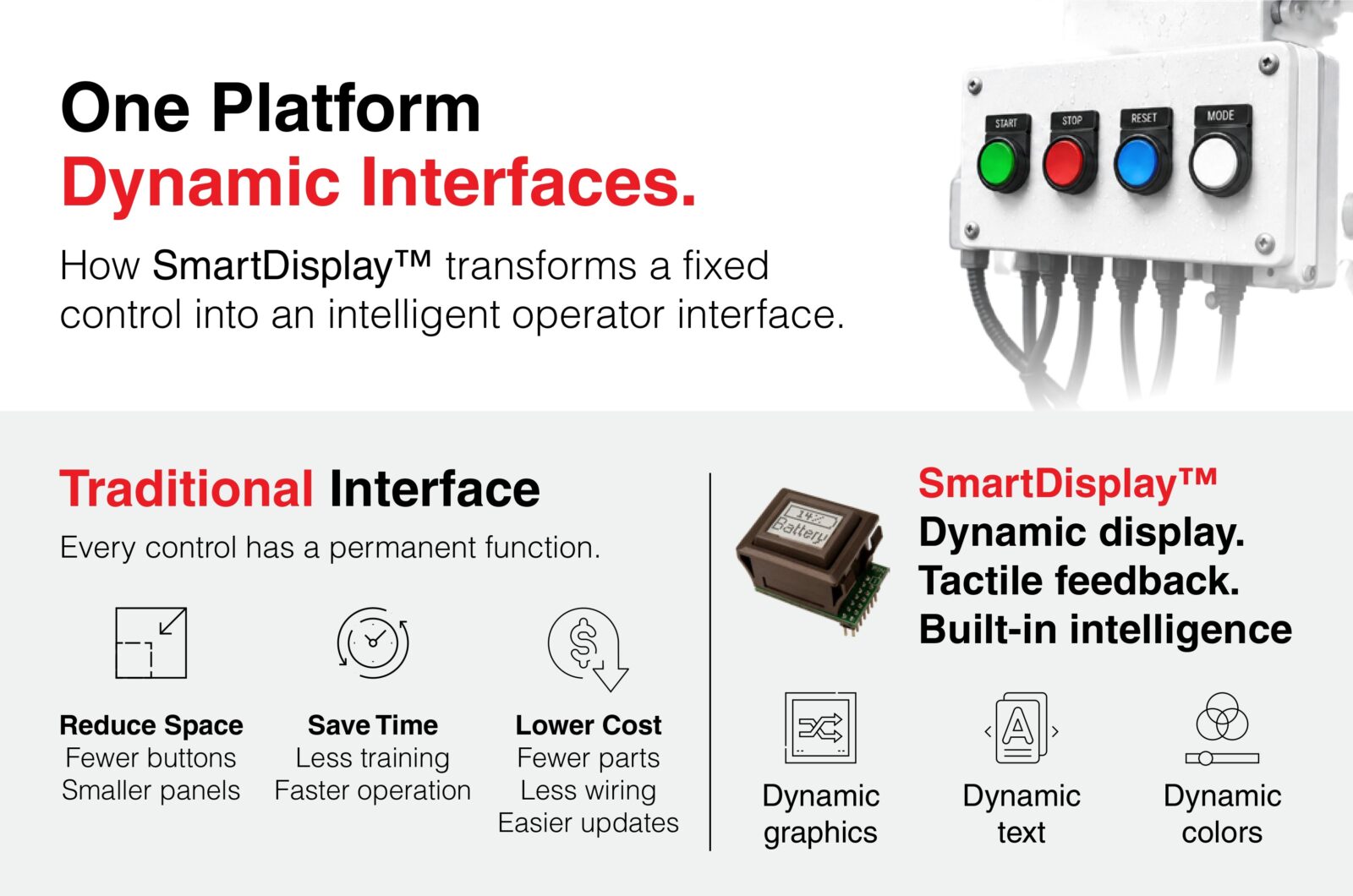
Traditional controls are fixed.
Every button performs one function, every label is permanent, and adding new features often means redesigning the interface.
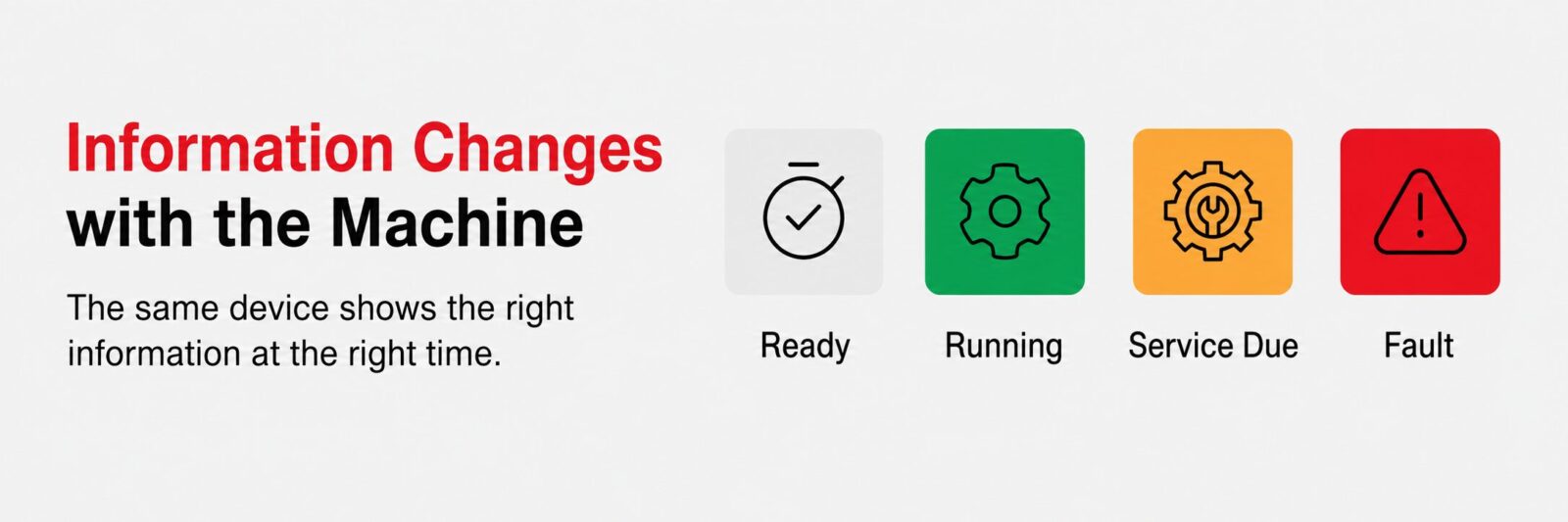
SmartDisplay™ changes that by combining tactile control with a programmable display that can present changing information as machine conditions and operating modes change.
Display status, alarms, and modes where the operator acts
Instead of adding separate indicators, labels and switches, engineers can consolidate changing information into a programmable control.
SmartDisplay™ can show operating modes, machine status, alarms and diagnostics while retaining the tactile feedback of a physical switch.
Monitor system inputs and respond through programmed logic
SmartDisplay™ can receive information from sensors and system inputs, update the display based on changing conditions, and trigger outputs according to your requirements and desired actions.
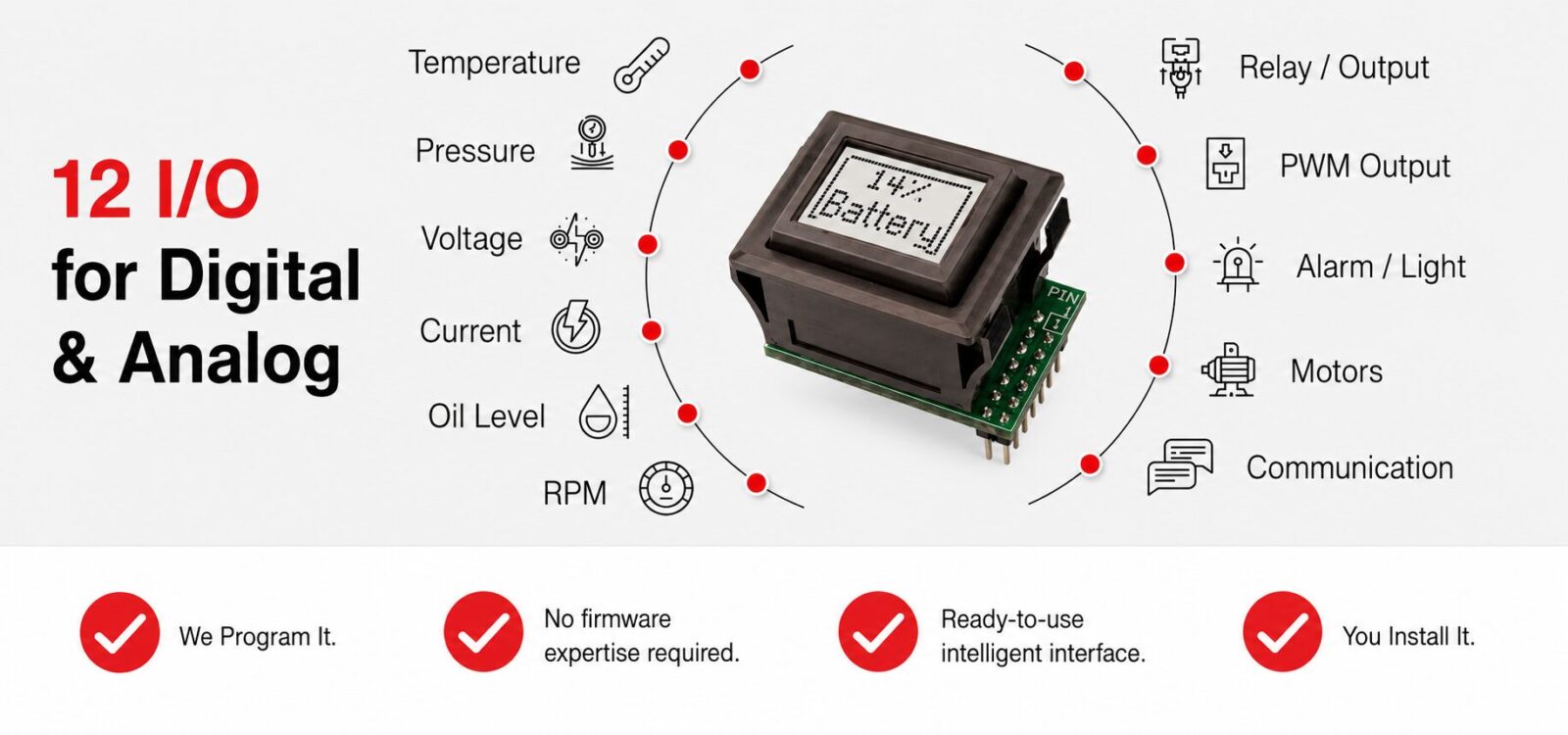
Enhance an existing machine or build SmartDisplay™ into a new design
SmartDisplay™ can take on different roles depending on where information is needed and where the operator acts. In an existing machine, it can add changing information to a fixed function or consolidate separate controls and indicators.
In a new design, SmartDisplay™ can serve as a single intelligent control, manage an embedded subsystem, support a custom operator panel or coordinate information across a distributed interface.
 | NKK Does the Programming You Define the Interface. NKK Prepares It for Integration. You provide graphics, labels, operating logic and desired actions. NKK programs the SmartDisplay™ and delivers a ready-to-integrate solution with a customer-specific part number for easy reordering. |
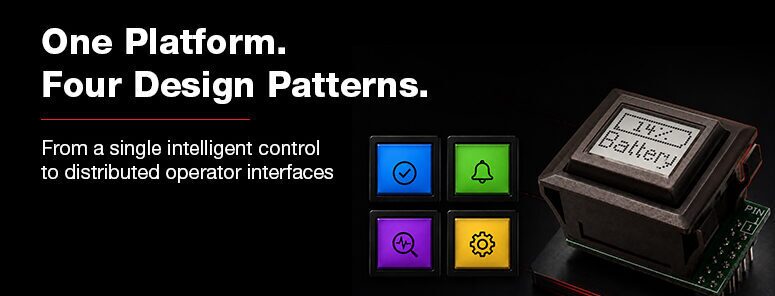
Once engineers understand what SmartDisplay™ can do, the next question is where it fits within the system. The answer depends less on the industry than on the role the interface plays within the machine.
These four practical patterns show how SmartDisplay™ can add intelligence to a single control, manage a subsystem, build an operator panel or coordinate information across the system.
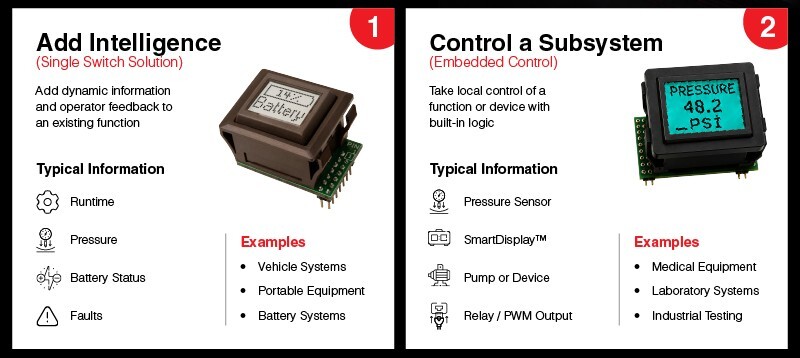
Information at the point of action
Place changing information directly where the operator acts. A SmartDisplay™ switch can show operating modes, measurements, warnings or maintenance status while retaining the tactile response of a physical pushbutton. With the Single Switch Solution, repeated presses can cycle through values such as voltage, current, pressure or temperature. Color and blinking can indicate normal, warning and fault conditions.
Monitor, display, and respond
Combine sensor information, programmed logic, displayed status and operator input in one embedded system. Depending on the configuration, the subsystem can read analog or digital inputs, compare measurements against programmed limits, and send ON/OFF or PWM output through supporting interface circuitry.
Fan/Light Control Solution
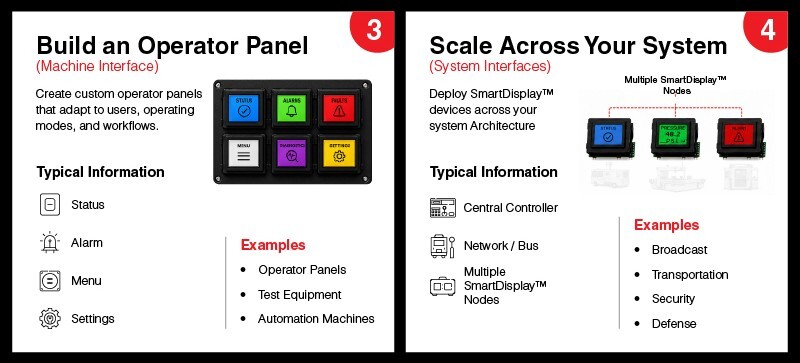
Functions Change with Workflow
Coordinate multiple SmartDisplay™ switches to present only the functions relevant to the current operating mode. Labels, graphics, colors and available selections can change as the operator moves from setup to operation, adjustment, diagnostics or service. This reduces permanent labels and allows more functions to fit within the same panel.
Coordinate across equipment
Connect multiple SmartDisplay™ devices to a controller or host system to distribute changing information and tactile input across equipment or operator stations. NKK controllers support multiple SmartDisplay™ switches with stored graphics, switch-activity reporting and standalone or host-controlled operation. OTA-capable configurations support post-deployment updates. NKK also supports custom logic boards, firmware programming and complete SmartDisplay™ systems.
View the application
If your platform requires additional refinement, NKK engineers work directly with your team to align switching performance with system architecture.